Calendar

Filters

Changing any of the form inputs will cause the list of events to refresh with the filtered results.

  • We Learn: Korean Class – Intermediate

    CLP – Main (Oakland) 4400 Forbes Avenue, Pittsburgh, PA, United States

    This is CLP Korean Class. We are happy to have you all in our We Learn group! Please do not hesitate to ask any questions about the group via email: [email protected] Advanced class (textbook 5 and 6): 10:30 am – 12:00 pm Intermediate class (textbook 3 and 4): 12:00 pm – 12:45 pm Beginner class (textbook … Continued
  • Community Scan Day

    CLP – Hill District 2177 Centre Avenue, Pittsburgh, United States

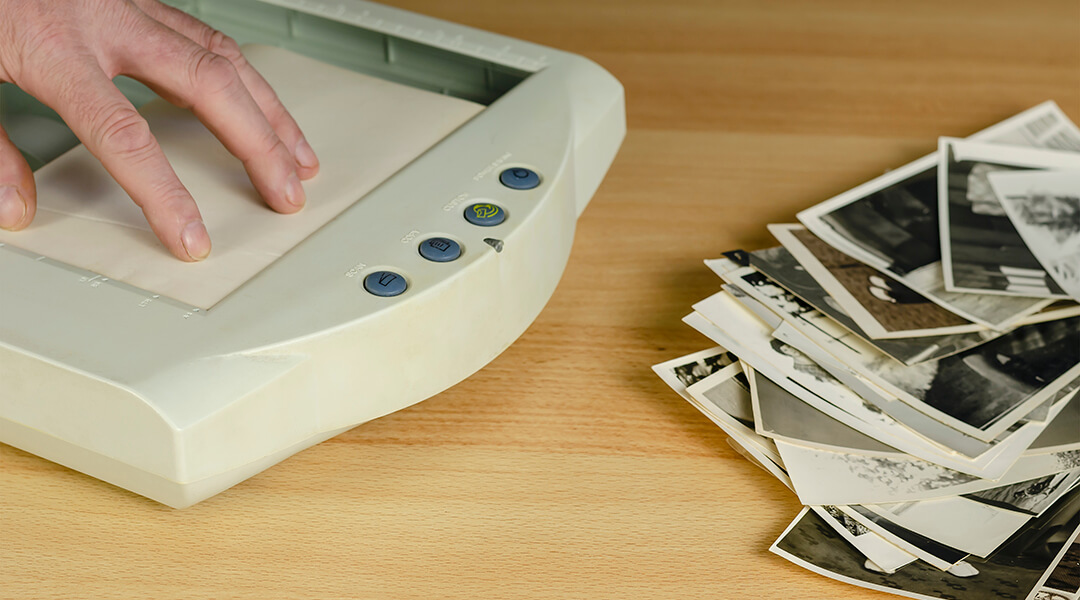
    Scan your old photographs, documents, slides, and more for free at Community Scan Day! Staff will teach you how to use a portable scanner to digitize your items at CLP locations. If you’d like to donate digital copies to the CLP Digital Community Collection, a staff member will walk you through the donation process. Appointments … Continued

  • We Learn: Korean Class – Beginner

    CLP – Main (Oakland) 4400 Forbes Avenue, Pittsburgh, PA, United States

    This is CLP Korean Class. We are happy to have you all in our We Learn group! Please do not hesitate to ask any questions about the group via email: [email protected] Advanced class (textbook 5 and 6): 10:30 am – 12:00 pm Intermediate class (textbook 3 and 4): 12:00 pm – 12:45 pm Beginner class (textbook … Continued

  • AARP Pennsylvania presents Family Caregiving: Prepare to Care

    CLP – Hill District 2177 Centre Avenue, Pittsburgh, United States

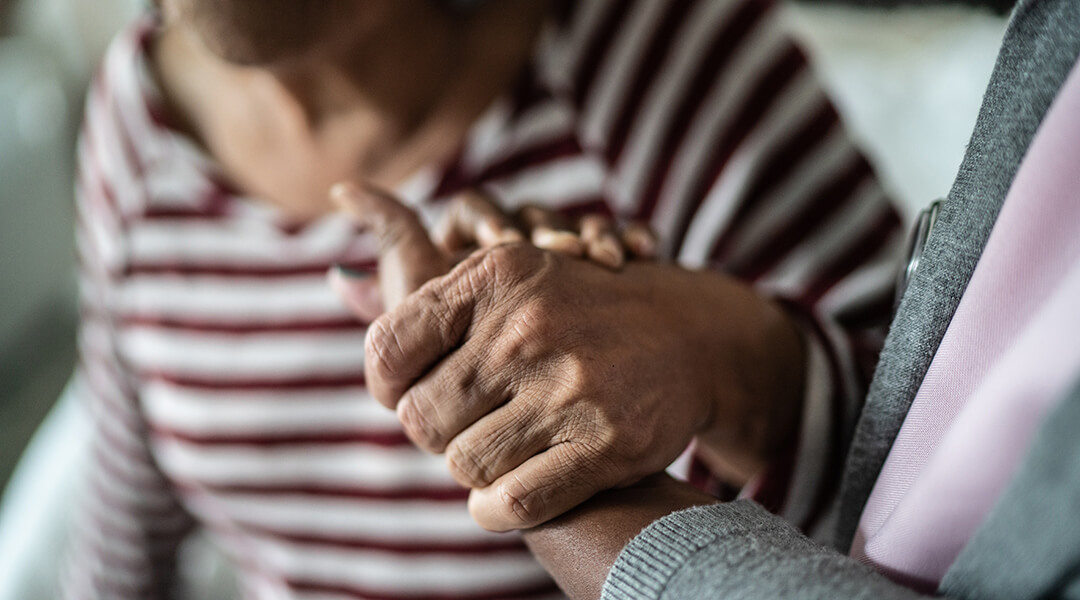
    No matter where you are in the journey of family caregiving – just beginning to anticipate a need, helping to coordinate a big move, or taking care of a family member full-time – having a good framework to help guide both you and your loved one will make the process easier. During this session, we … Continued

  • We Learn: Microsoft 365 Excel Basics to Advanced

    CLP – Downtown 612 Smithfield Street, Pittsburgh, PA, United States

    Learn and practice excel capabilities such as formatting cells, sorting, using pre-defined Excel functions, tabulating totals and subtotals, filtering data, pivot tables and pivot charts, relative and absolute macros. Using AI Copilot with Excel. Each session includes a detailed step-by-step handout for the session exercises. You can use your own Windows laptop or one can … Continued

  • Digital Skills

    CLP – Brookline 708 Brookline Boulevard, Pittsburgh, PA, United States

    Drop in to learn how to use your tablet, iPad, smartphone, laptop, computer or other devices. At this informal help session you can ask us about your device or the apps and programs installed on it, including Microsoft and Google tools. First come, first served.

  • WORKshop: Career Ready

    CLP – Main (Oakland) 4400 Forbes Avenue, Pittsburgh, PA, United States

    We are here to help you with getting a resume started, placing the finishing touches on a cover letter, or providing tips on interviewing. This program takes place in the Job & Career Education Center on the 2nd floor at the Main Library.

  • Let’s Speak English

    CLP – Squirrel Hill 5801 Forbes Avenue, Pittsburgh, PA, United States

    Join us to practice your English-speaking skills! You can freely practice with friendly neighbors in this relaxed social group. This group is for English language learners who want to practice with other learners.

  • Introduction to Online and Social Media Marketing

    CLP – Brookline 708 Brookline Boulevard, Pittsburgh, PA, United States
    Hybrid Event

    Join us as we take a look at digital marketing. In this program, we will discuss topics such as building a brand identity, discovering your ideal customer, choosing a platform, search engine optimization, and more. This program takes place in the JCEC Room on the 2nd floor of the Main Library.

    Free
  • Digital Skills: Gadget Lab

    CLP – Homewood 7101 Hamilton Ave, Pittsburgh, United States

    Drop in to learn how to use your tablet, iPad, smartphone, laptop, computer or other devices. At this informal help session you can ask us about your device or the apps and programs installed on it, including Microsoft and Google tools. First come, first served.

  • Digital Skills – Getting Started with Microsoft Word

    CLP – Downtown 612 Smithfield Street, Pittsburgh, PA, United States

    Learn the basics of Word, the word processing software from Microsoft, which is one of the most commonly used tools for writing and editing documents. We will review the CIPA and NCIPA legislation and how the library uses filtering to keep minors safe online.

  • Open Tech Session

    CLP – Library of Accessible Media for Pennsylvanians (LAMP) 4724 Baum Boulevard, Pittsburgh, United States

    Join us as we explore and review accessibility features of popular apps and websites.